How to easily Hide Elementor Page Builder
Continue reading
In Nginx, you can include additional configuration/rewrite files within the main nginx.conf file or within server block configurations using the include directive. However, there are some considerations to keep in mind.
Continue reading
The Bitnami WordPress Stack provides a simple one-click install solution for WordPress framework. Run your own WordPress server in the cloud never been easier, chose from best available hosting such as AWS, Google Cloud Platform, Microsoft Azure, VMware. At the moment they provide the best value per cost on the market.

In the world of website security, it’s always better to be safe than sorry. WordPress sites are particularly vulnerable to hacking attempts due to their popularity and widespread use. As a result, WordPress site owners need to take extra precautions to keep their sites secure. The best tool that can provide an extra layer of security for your site is WP Hide PRO.
WP Hide PRO is an easy-to-use plugin that allows you to hide your WordPress installation, themes, and plugins from potential hackers. According to the developers of WP Hide PRO, over 99.99% of site hacks are focused attacks on specific plugin and theme vulnerabilities. Since hackers can’t see what your site is using, they won’t be able to exploit any known vulnerabilities. Continue reading
WordPress Divi is a highly regarded premium theme and page builder plugin widely used in the web development industry. Its user-friendly interface and extensive features allow users to create stunning websites without the need for coding knowledge. However, its popularity also makes it an attractive target for hackers. To bolster the security of Divi-based websites, WP Hide PRO comes to the rescue by concealing sensitive information and protecting sites from potential vulnerabilities. Continue reading
As a site owner, protecting your valuable content from unauthorized copying and theft is paramount. WP Hide, a powerful WordPress plugin, offers a range of user interaction features designed to protect site content and enhance the security of your website. In this article, we will explore the user interaction capabilities of WP Hide and how they can effectively safeguard your site content from being exploited.
Continue reading
If you own a website, you’ve probably heard of security headers. But what exactly are they and why should you use them? In this article, we’ll discuss what security headers are, why you should use them, which security headers are available, and how they work to protect your website against malicious attacks.
A security header is an HTTP response header that instructs a web browser on how to behave when interacting with a website. These headers provide an additional layer of security to your website, helping to protect it against a variety of attacks, including cross-site scripting (XSS), clickjacking, and other types of code injection attacks.
Continue reading
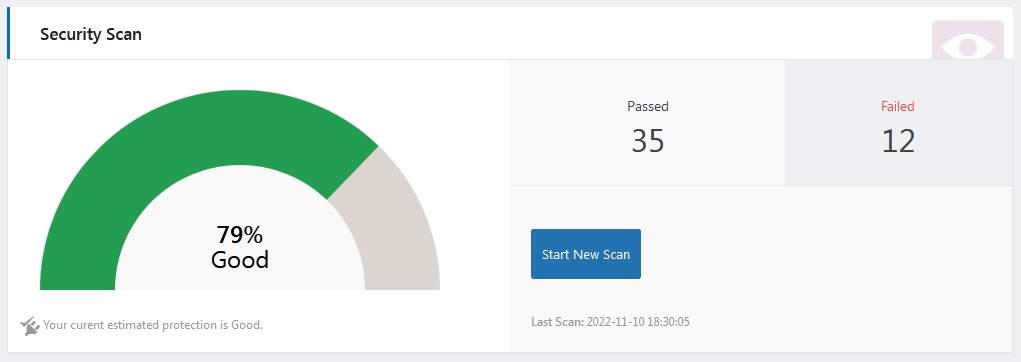

Security has become a major concern for everyone. People are more aware of the fact that their data is not perfectly safe and that they need to take precautions to protect their assets. The facts are clear and should be taken accordingly, over 30000 web sites are hacked every single day.
Unfortunately, in recent years the risk of being hacked has dramatically increased. There are nearly one hundred thousand potential breaches for a WordPress site, mainly caused by the many community plugins available through the repository. The majority has been found to contain critical bugs making a site easily exploitable.
Continue reading
WordPress Security is a vital concern for any site owner. We talk frequently about security, among other things, in warnings about themes and plugins and how to protect our sites from attacks. But security is quite from a simple point of view, and the steps you take to protect your assets have no bounds.
Have you sometimes walked out of your office, carelessly leaving your door open? Maybe more than once, right? This is natural, we are not often worried about managing potential jeopardizes until it goes out of hand. This is also very much applicable to your WordPress website. Continue reading
Per Documentation at Rewrite – Uploads when using the “Block uploads URL” option, it will block any access to old/default URL’s format, which otherwise are still available. If this feature is turned on, all new images inserted within posts (or any custom post type) will use the new URL format. Continue reading
Recent Comments